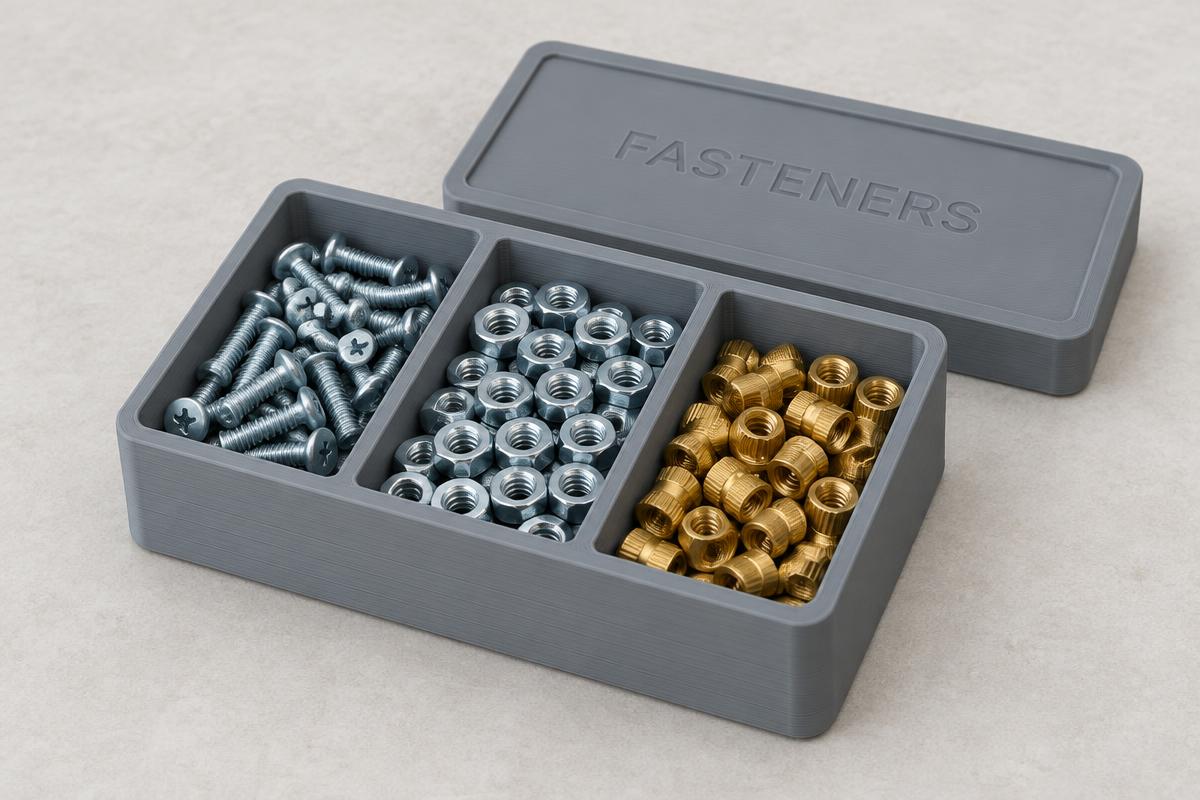
Screws, nuts & inserts
Print a set of shallow trays in matching widths so they line up on a shelf. Emboss the thread size on each lid so you can read the bin without opening it.
Typical: 60 × 40 × 20 mm · wall 2 mm · corner radius 3 mm
A 3D print organizer is only useful when it fits the space you actually have. BoxMaker3D generates parametric storage boxes with snug-fit lids and printed labels — you type millimetres, it builds the model, and you export a print-ready 3MF or STL.
Print a set of shallow trays in matching widths so they line up on a shelf. Emboss the thread size on each lid so you can read the bin without opening it.
Typical: 60 × 40 × 20 mm · wall 2 mm · corner radius 3 mm
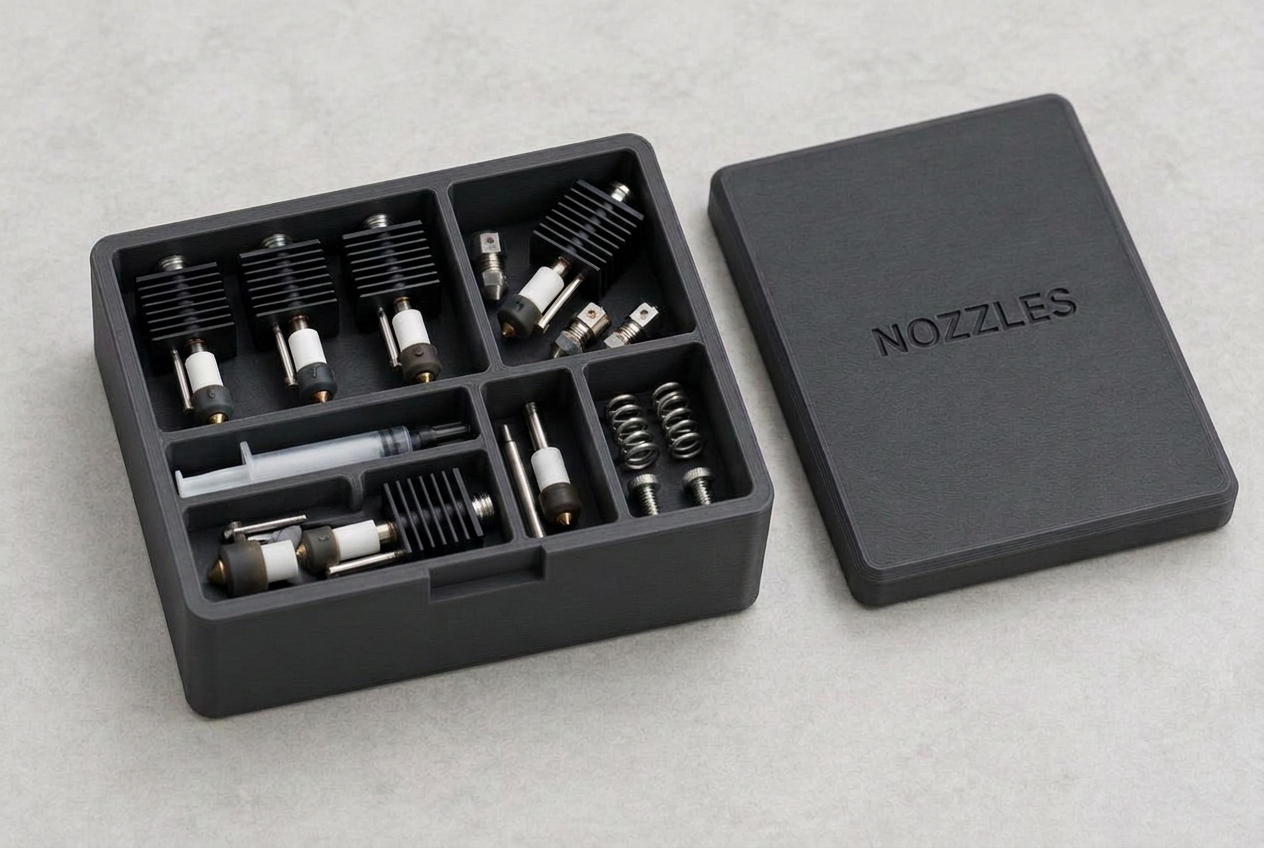
Small, deep boxes with a friction-fit lid keep brass nozzles and hotend spares from rolling around in a drawer. A tight lip clearance keeps the lid on when the box is tipped.
Typical: 50 × 50 × 30 mm · lip 5 mm · clearance 0.15 mm
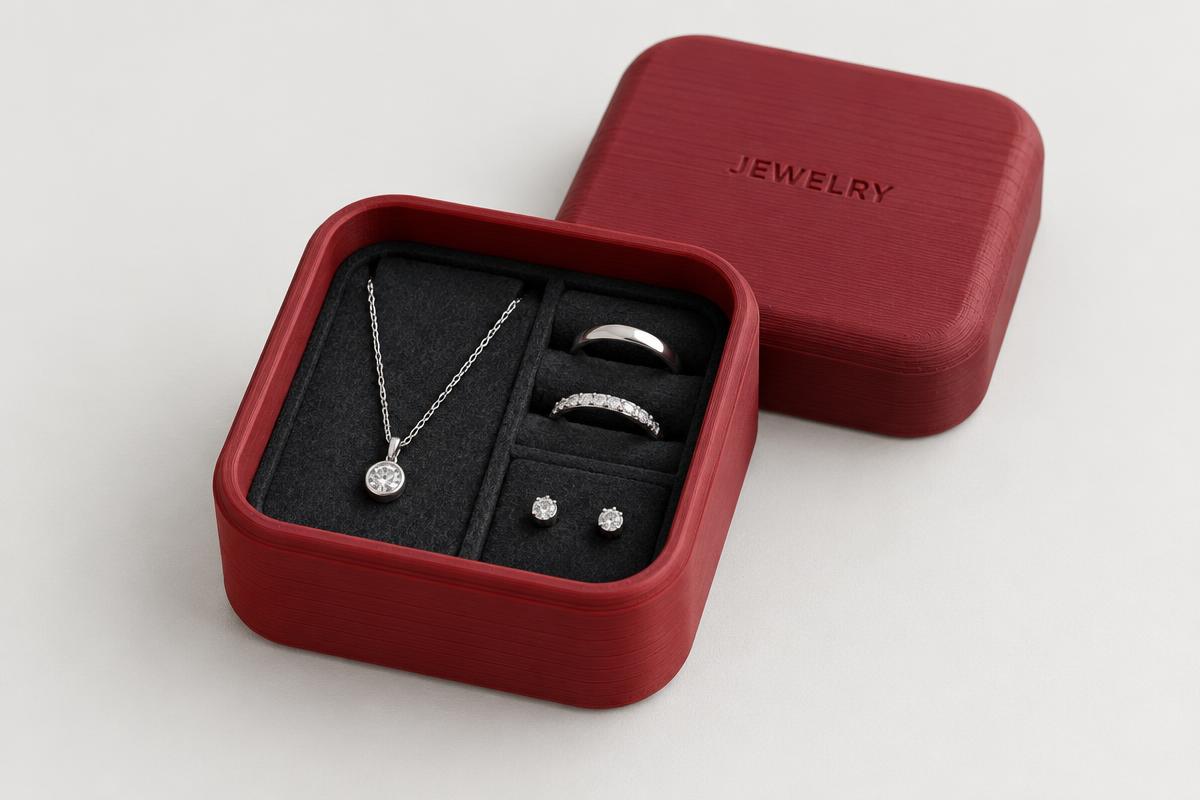
Larger corner radii and a contrasting label colour turn the same parametric box into a gift-ready jewelry case. Export as 3MF to print the label in a second filament.
Typical: 90 × 90 × 30 mm · corner radius 20 mm
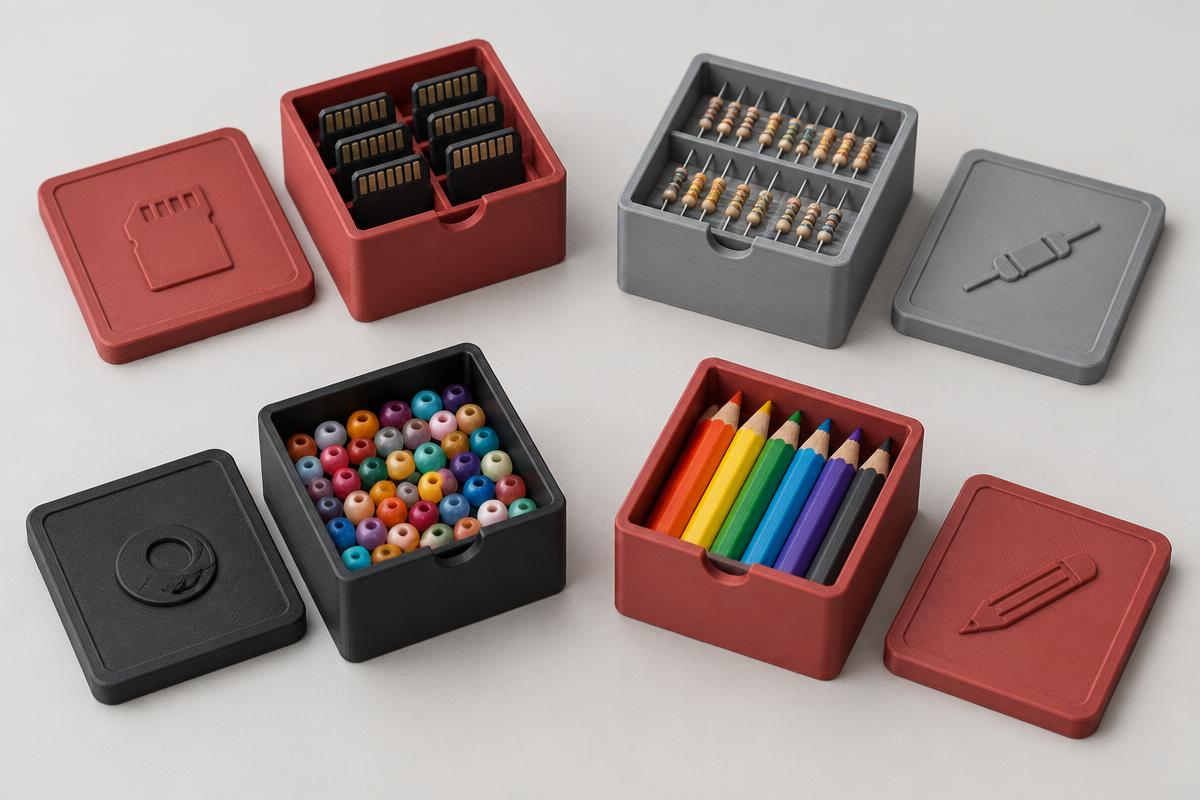
Batch a few sizes from one design: pens, SD cards, resistors, beads. Because every dimension is numeric, stacks and drawer inserts fit together exactly.
Typical: 120 × 80 × 40 mm · floor 2 mm
Start from the space the organizer has to fit, not the parts. Subtract 1–2 mm of slack, then enter the inner dimensions — BoxMaker3D adds wall thickness on top.
2 mm walls and floor print fast and stay rigid at these sizes. A 3–6 mm corner radius removes sharp edges and helps the lid slide on straight.
An embossed label prints with no extra work. Engraved labels read well when you brush the recess with a contrasting colour. With 3MF you can assign the label its own material.
Export 3MF when you want colours to carry into the slicer, or STL for anything else. Both slice directly in Bambu Studio, PrusaSlicer, OrcaSlicer, and Cura.
Boxes print flat on the bed with no supports. A 0.2 mm layer height and 3 walls give a rigid bin; 15% infill is plenty for the floor. If a lid fits too tightly, raise the lip clearance by 0.05 mm and reprint just the lid — it is a separate export.